Microcontroller Setup 🖥️
This section explains how to set up the Arduino Nano Every and prepare the Python environment for the Delta6 system.
📦 Firmware Repository:
The firmware code for the Arduino Nano Every is available here:
Delta6 Firmware on GitHub
1. Download the Repository
Clone the Delta6 project repository:
git clone https://github.com/ttopeor/Delta6_Doc.git
2. Create and Activate Python Environment
Navigate to the Python SDK folder:
cd delta6_python_SDK
📌 Tip: Ensure that Python 3.12 is installed on your system.
Create a virtual environment:
python3.12 -m venv venv
Activate the virtual environment:
-
On Ubuntu:
source venv/bin/activate -
On Windows:
source venv/Scripts/activate
Install all required dependencies:
pip install -e .
3. Burn Firmware to Arduino
Check the COM port (for example /dev/ttyACM0 on Linux) where your Arduino Nano Every is connected.
Then run the following command:
python burn_firmware.py --port /dev/ttyACM0
🧩 Tip: Adjust the
--portargument according to your specific system setup.
4. Verify Operation
Run the example script:
python example.py --port /dev/ttyACM0
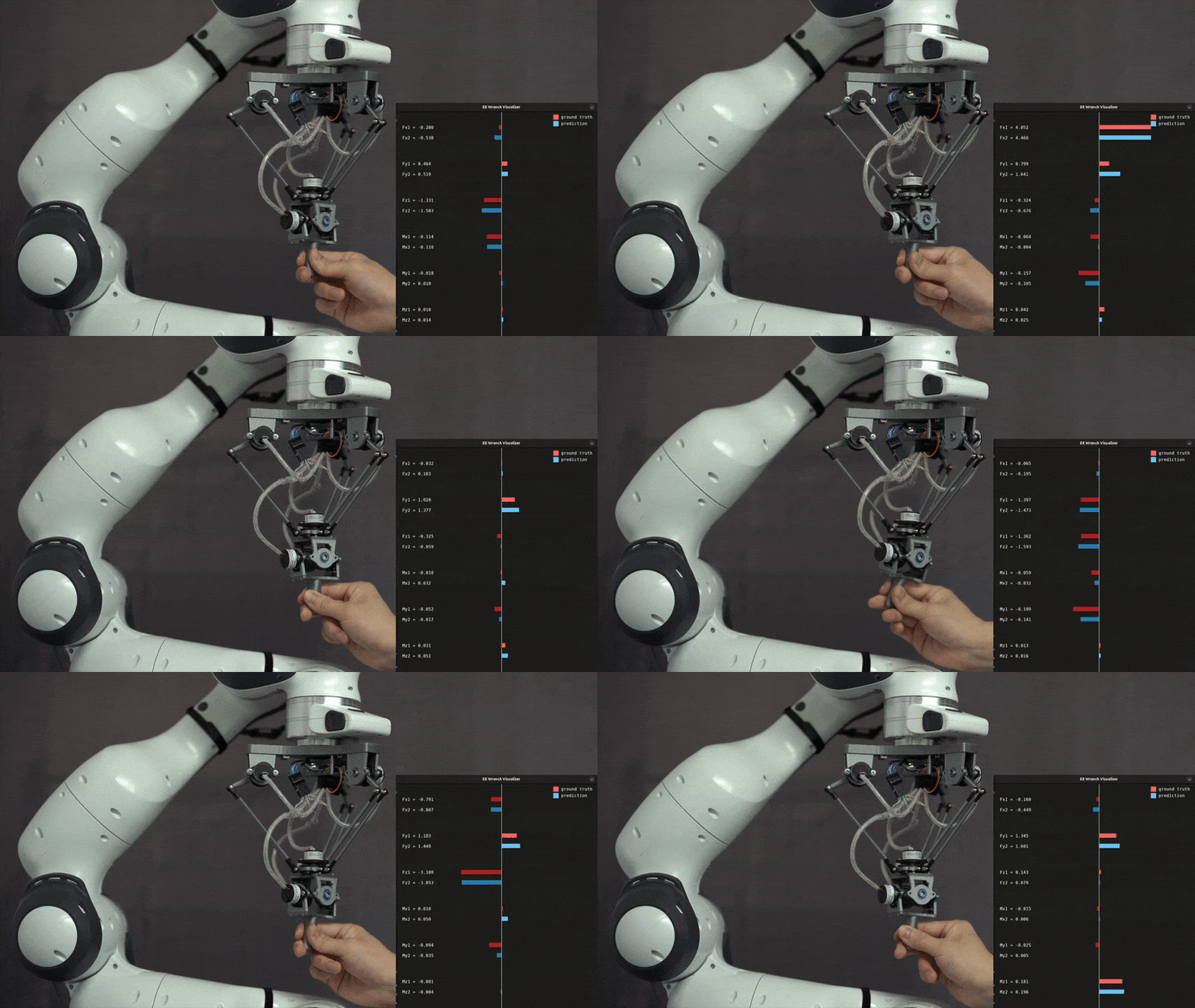
If successful, a window should pop up similar to:
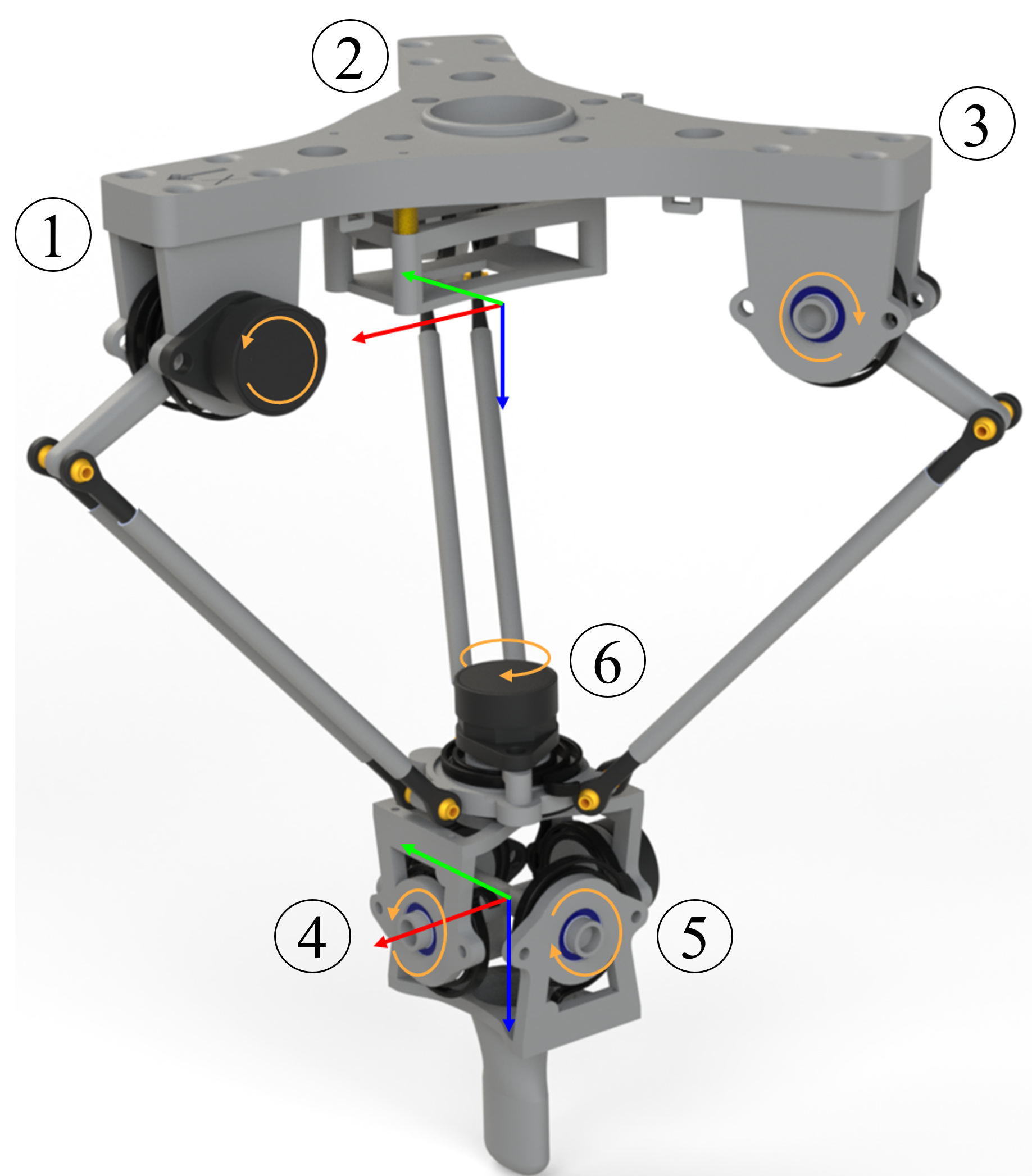
The coordinate system is defined as follows:
🎯 Congratulations!
Your microcontroller setup is complete, and the Delta6 system is ready for further testing and calibration.